
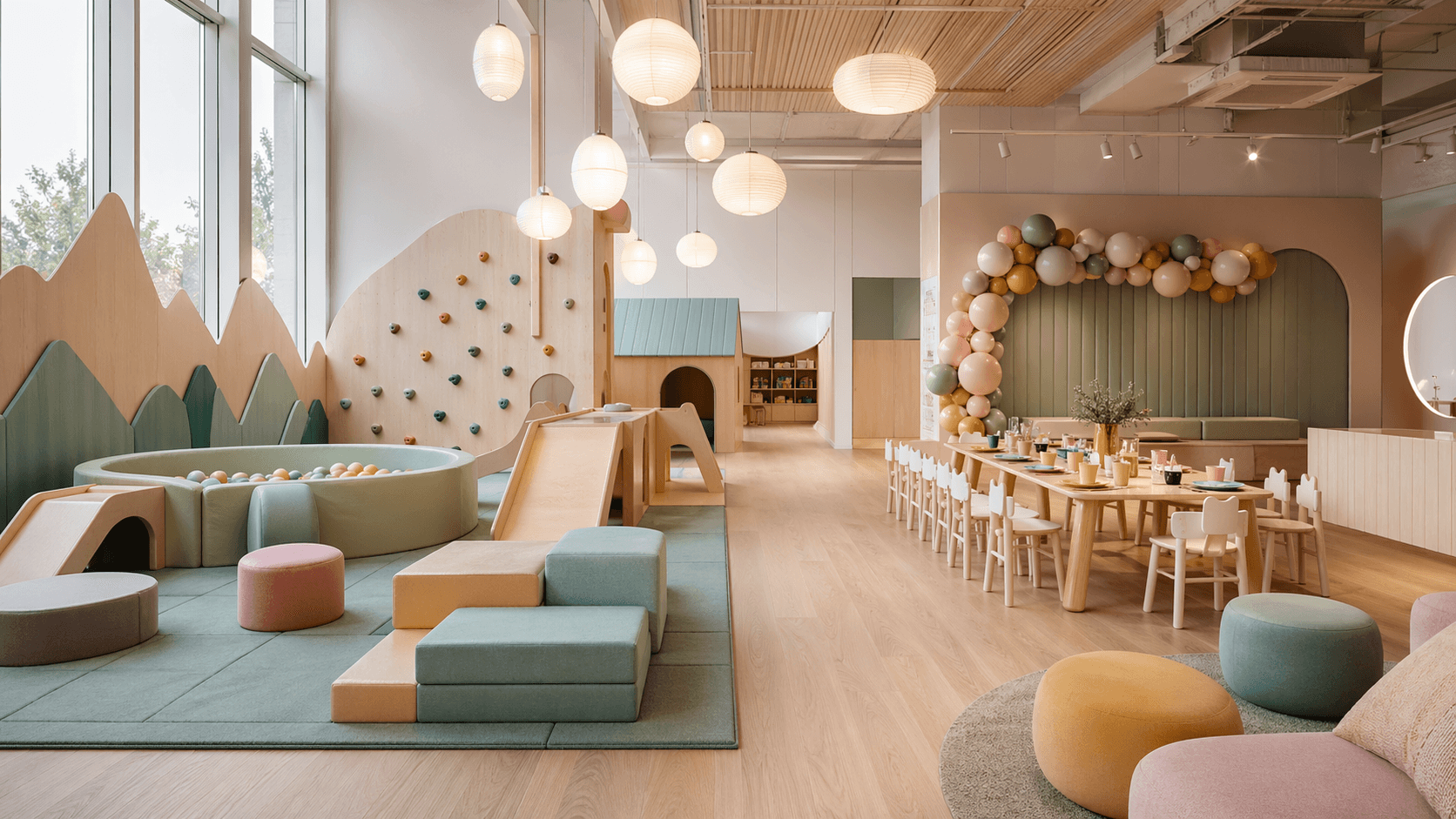
Kids playrooms are not just another appointment business. They sell packages, party sessions, and family-friendly experiences that often need hosts or animators attached to the booking.
If you are comparing kids playroom booking software, the real question is whether the system handles packages, hosts, payments, and repeat family bookings.
If you want the product-first breakdown first, see StudioDock kids playroom booking software.
Why generic schedulers are too shallow for playrooms
A standard scheduler treats a booking like a simple slot. A kids playroom often needs package logic, optional add-ons, and a clear staffing model.
That becomes a problem quickly once families start asking for upgrades, add-ons, or a specific host.
What to look for in playroom booking software
Look for package-first booking, clear add-ons, and the ability to attach staff to the session.
The best system also makes rebooking easier for return visits and seasonal parties.
The takeaway
The best kids playroom booking software is not the one with the longest feature list. It is the one that matches how your business actually books space, collects payment, and keeps repeat clients coming back without piling more admin onto the team.
If your workflow already behaves more like rentable space than a simple appointment, StudioDock's kids playrooms guide is the fastest way to see whether the product fits your operation.
Keep comparing
- Event hall booking software
- How to sell prepaid studio hours online
- Compare StudioDock vs Acuity for studio rentals
- Studio booking software for every studio type
- Studio scheduling vs booking software
- Studio booking software buyer checklist
- Booking software with equipment add-ons
- Calculate studio booking ROI
- Compare StudioDock vs Calendly for physical spaces
- Compare StudioDock with other booking tools
- Plan a migration from your current scheduler
Sell the whole session, not just the hour.
Try StudioDock on your own sets, gear, and prices. No card required.
Start your 7-day free trial