
01
Create spaces
Add podcast rooms, photo studios, video stages, and the setups clients can book.
StudioDock Spaces
For podcast, photo, and video studios
Let clients reserve the studio, equipment, operator, and production add-ons in one paid booking.
2 hours, lighting kit, online payment, and a protected checkout slot.
Available times
Add-ons
Booking summary
Studios using StudioDock today
Open their public pages to see how each studio adapts StudioDock to its offer, website, and brand.

Photo studio · StudioDock
Rooms, add-ons, packages, and direct booking under the studio’s own domain.
Open booking page
Photo studio · StudioDock
Multiple photo spaces, rich studio imagery, and prepaid packages for returning clients.
Open booking page
Photo studio · StudioDock
A StudioDock booking flow embedded directly inside the studio’s existing website.
Open booking page
Podcast studio · StudioDock
Podcast production, studio time, and client-ready booking from one focused page.
Open booking pageTHE CLIENT JOURNEY
A real StudioDock demo flow: room, time, add-ons, and payment.
Why Spaces
A space booking is more than a calendar event. You need room availability, duration rules, add-ons, payments, buffers, staff, and customer details to stay aligned.
Publish a clean booking flow while StudioDock handles the operational rules behind it.
01
Add podcast rooms, photo studios, video stages, and the setups clients can book.
02
Control duration, buffers, discounts, opening hours, and unavailable days.
03
Offer equipment, services, staff support, or setup options during checkout.
04
Let clients pay online, pay later, use bank transfer, or receive invoices.
05
Track bookings, customers, staff, reminders, analytics, and repeat sales.
Use Spaces for rooms, studios, saunas, venues, play areas, and other places clients reserve by time.
Podcast studios
Photo studios
Video studios
Shared resources
Block related spaces that use the same room.
Buffers
Protect cleanup and reset time.
Price snapshots
Keep each booking total stable.
Staff checks
Avoid clashes with bookable team members.
Clients see a clean page. Your team gets shared resource blocking, buffers, staff checks, price snapshots, reminders, CRM, analytics, and plan controls.
Share one public booking page, embed specific spaces on your own website, or use StudioDock as your full booking front.
Embedded space
Select a date, time, add-ons, and payment method inside your own website.
Embed anywhere
Install the official StudioDock Booking plugins for WordPress and Framer, or use the standard iframe with Webflow and any other website builder.
WordPress
Native Gutenberg plugin
Webflow
HTML embed
Wix
HTML embed
Squarespace
Code block
Shopify
Custom liquid
Framer
Native canvas plugin
Ghost
HTML card
Carrd
Embed element
Custom HTML
Standard iframe
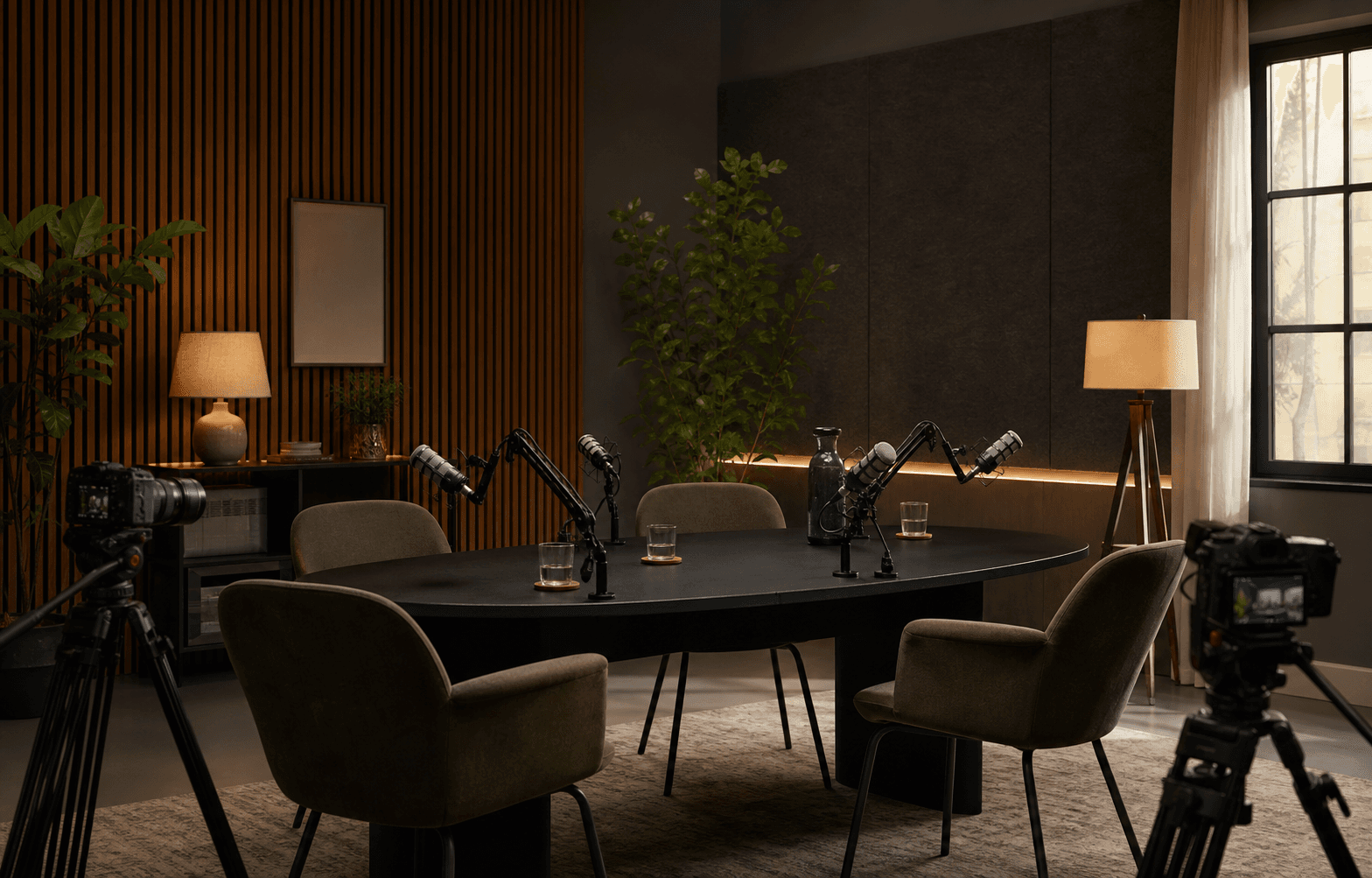
Use Spaces for rooms, studios, saunas, venues, play areas, and other places clients reserve by time.