
Room-specific rules
Keep pricing, duration, buffers, booking windows, and cancellation cutoffs attached to each space.
Built for multi-room studios
Give every podcast booth, photo set, recording room, or video stage its own availability and pricing while your team runs one connected schedule.
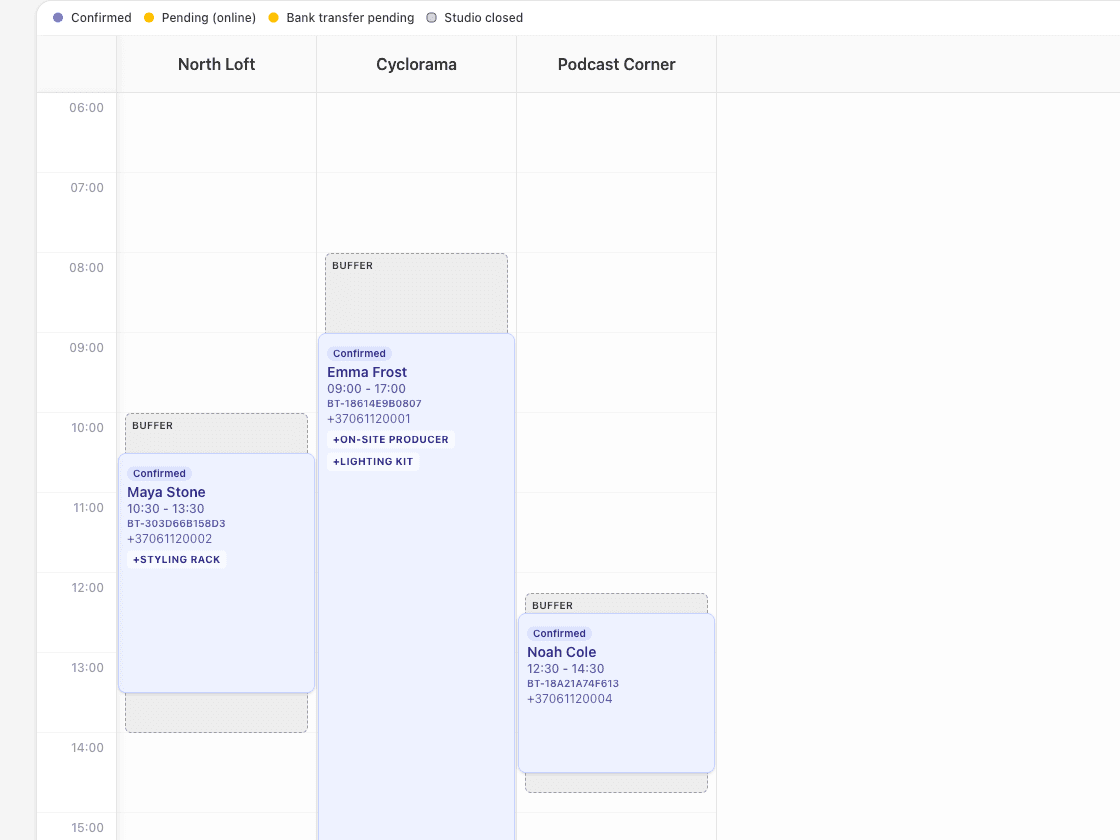
One workspace, room-level control
A room is not just a time slot. Each space may have a different rate, reset time, equipment list, operator requirement, or payment rule. StudioDock keeps those differences attached to the room without splitting the operation across separate tools.
Keep pricing, duration, buffers, booking windows, and cancellation cutoffs attached to each space.
Block linked rooms or setups when they depend on the same physical capacity.
See bookings and buffers across rooms without switching between disconnected calendars.
Connect operators, assistants, gear, and setup services to the spaces that can deliver them.
From setup to studio day
01
Set the rate, minimum duration, booking window, cancellation cutoff, buffers, public days, and add-ons for each room or rentable setup.
02
Publish individual booking pages and a privacy-safe master calendar that helps buyers compare availability before choosing a room.
03
See room bookings, staff assignments, buffers, payment state, and client details in the same operational workspace.
Buyer requirements
Evaluate the operating model, not only the calendar view. These are the capabilities that keep a physical studio sellable and conflict-free after the client chooses a time.
Open the full buyer checklistEach space keeps its own pricing, duration, buffers, booking window, and public availability rules.
The admin schedule brings room and staff timelines together for day-to-day operations.
Linked spaces can block each other when two public offers depend on the same physical room or setup.
Add-ons can be limited to relevant spaces, priced once or per hour, and connected to staff or finite stock.
Keep online payment, deposits, bank transfer, or pay-later state attached to the reservation.
Plan fit
Multi-room work starts on Starter. Pro removes operational limits and adds growth tooling; Custom is for contracted, fully white-labelled delivery.
Starter
Pro
Custom
Product proof
Start with the two studio types where room choice, equipment, operators, and repeat bookings most often need to work together.
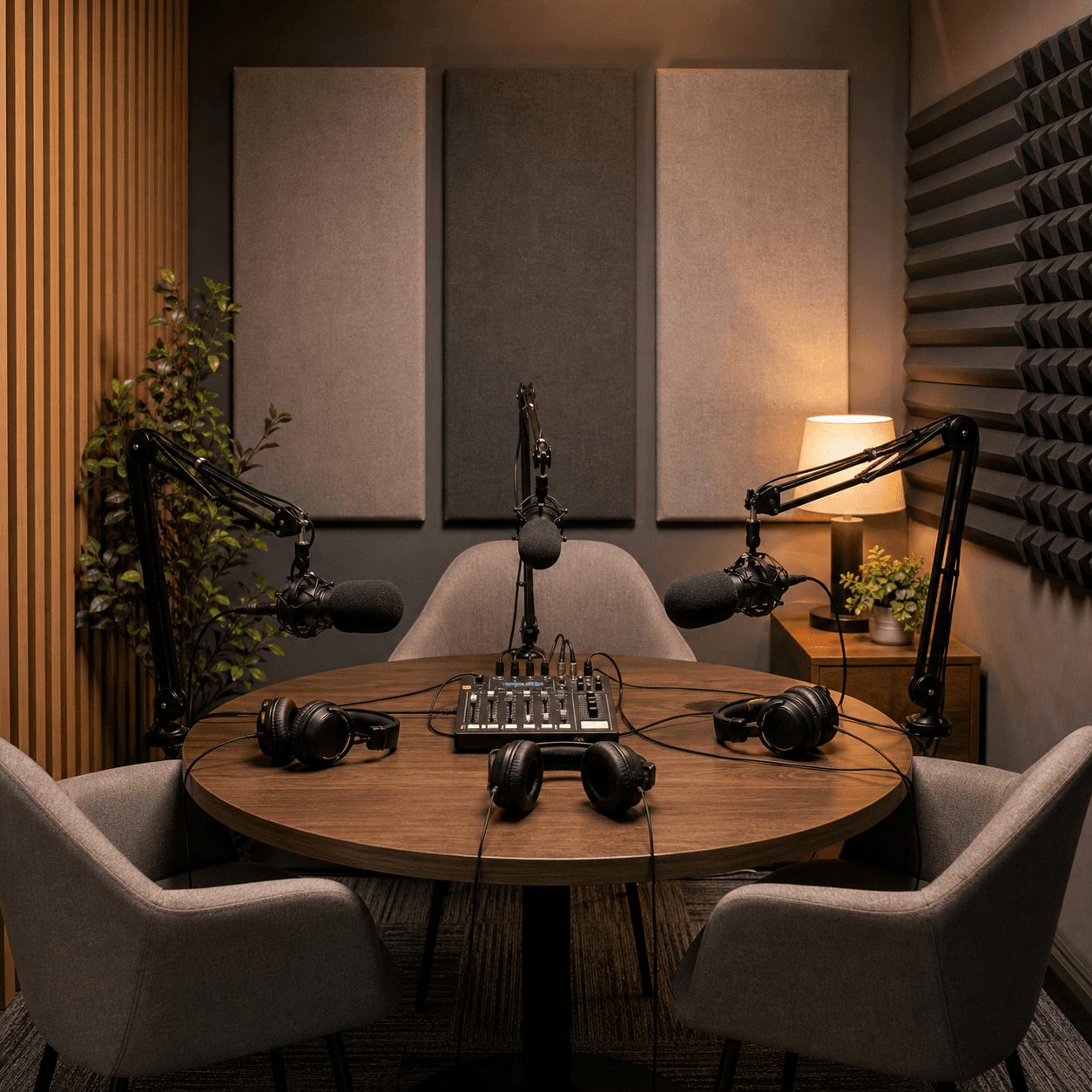
Podcast studios
Compare audio and video podcast rooms, then inspect operator upsells and repeat-session offers.
Open booking page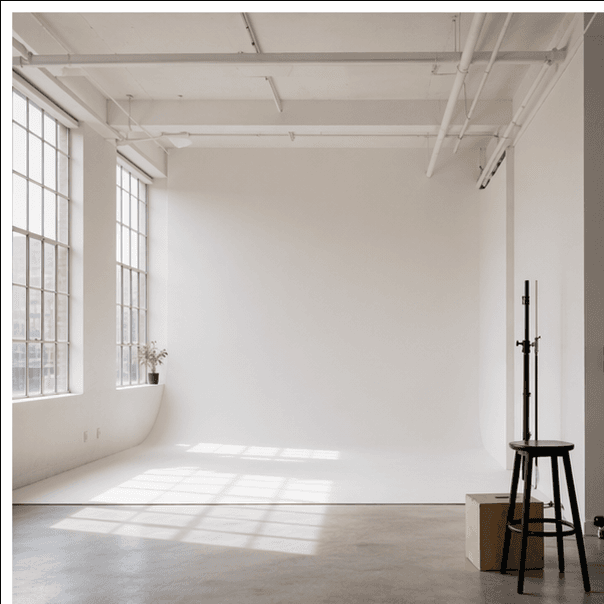
Photo studios
Compare daylight and campaign rooms, then inspect lighting, backdrop, and prepaid-hour workflows.
Open booking pageFrequently asked questions
Yes. Starter supports up to three active public spaces. Pro includes five, then each additional active Space costs €10/month or €100/year with EUR billing. Each space can keep its own booking page, pricing, duration, availability, buffers, and add-ons.
Yes. Starter, Pro, and Custom include a privacy-safe public master calendar that shows open and occupied time across spaces without exposing client names or private booking details.
You can link spaces that share one physical resource. When one setup is booked, overlapping availability is blocked for the linked setup as well.
Yes. Each space can have its own weekday and weekend prices, minimum and maximum duration, booking window, cancellation cutoff, and buffer time.
Starter is designed for up to three public spaces and three total team seats. Pro includes five public spaces, unlimited team members, the customer portal, and a custom domain. With EUR billing, each additional active Space is €10/month or €100/year. Custom adds contractual delivery and customer-facing white-label.
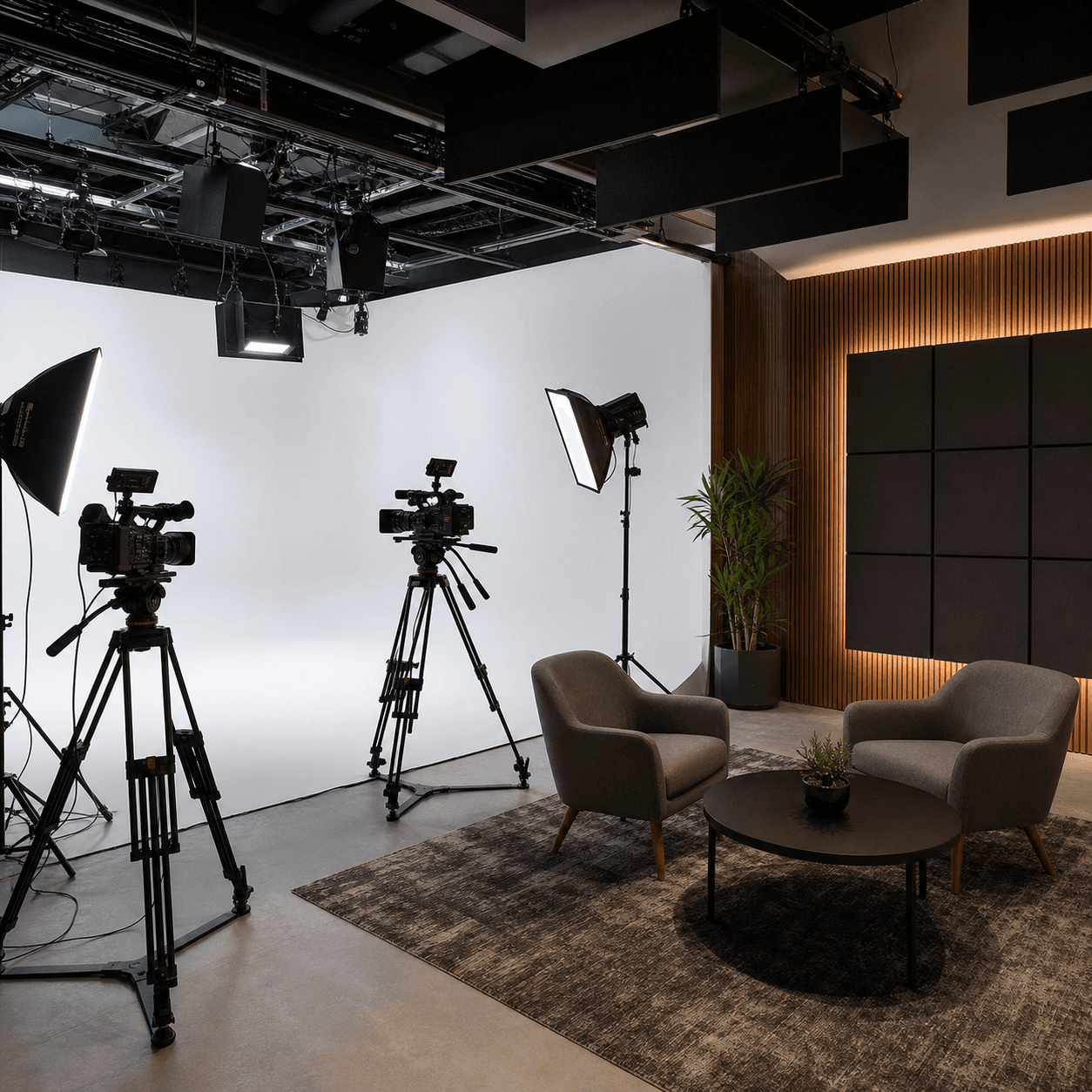
Start a free workspace, or send your current room and scheduling setup through the asynchronous demo form for a tailored migration path.