
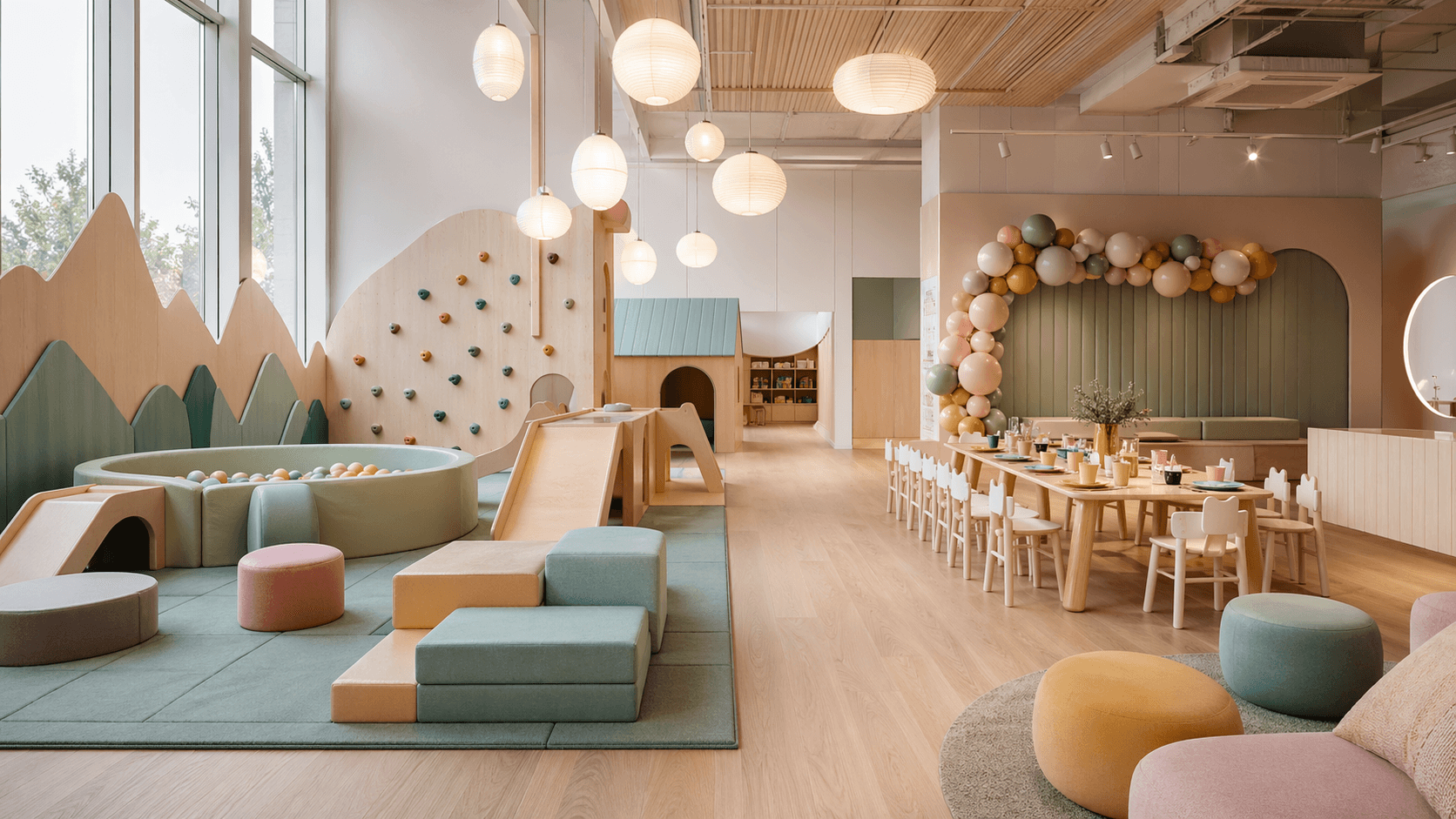
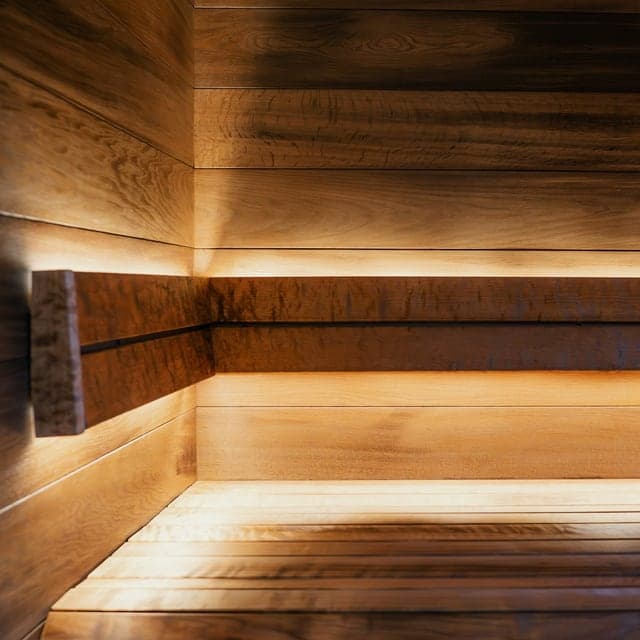
Clients see available times before they message you.
Spaces
Sell bookable spaces online
Show your rooms, sell add-ons, take payment, and keep the booking direct.
Add-ons, staff, setup, and Offers sell during checkout.
Payments, invoices, reminders, and booking changes stay in one place.
Real workflow examples
How real booking operations run in StudioDock
Anonymized examples based on real operating patterns and recreated in StudioDock-owned demo workspaces.
Podcast studio workflow
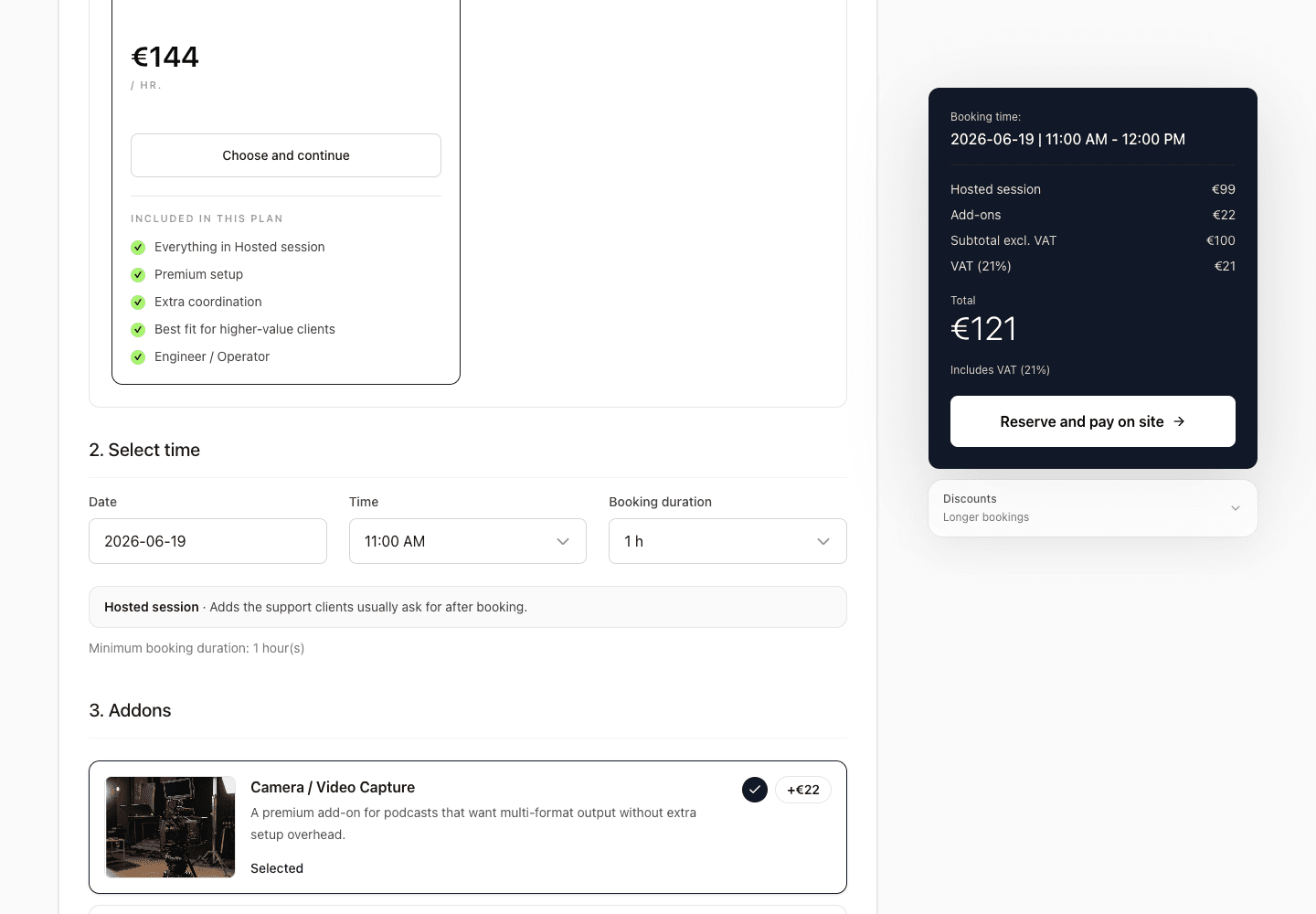
Sell the booth, operator, and repeat sessions together
A studio offers different recording rooms and optional production support.
Choose an audio or video booth
Add an operator and microphones
Pay once or buy a repeat-session offer
Less quoting and fewer message threads before the recording.
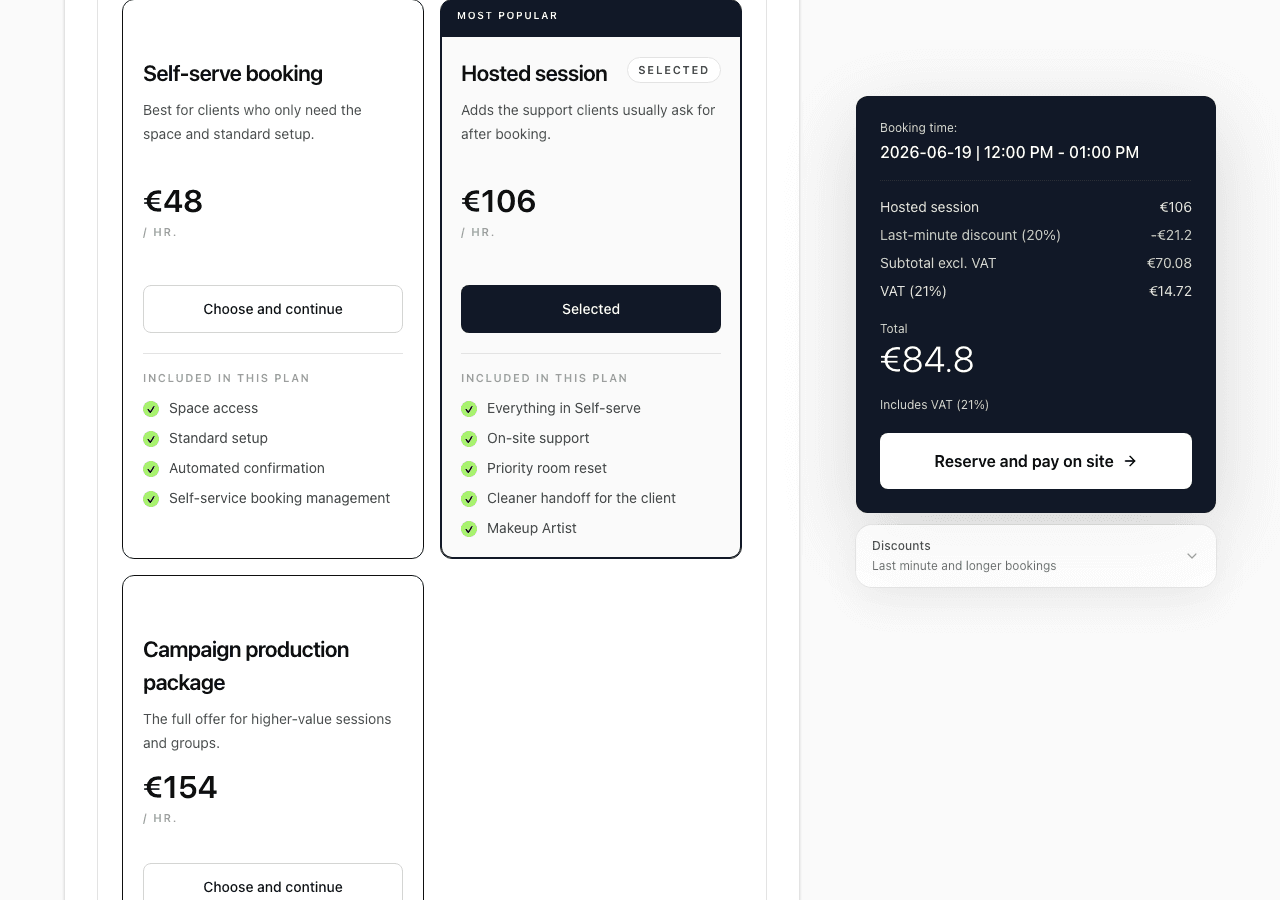
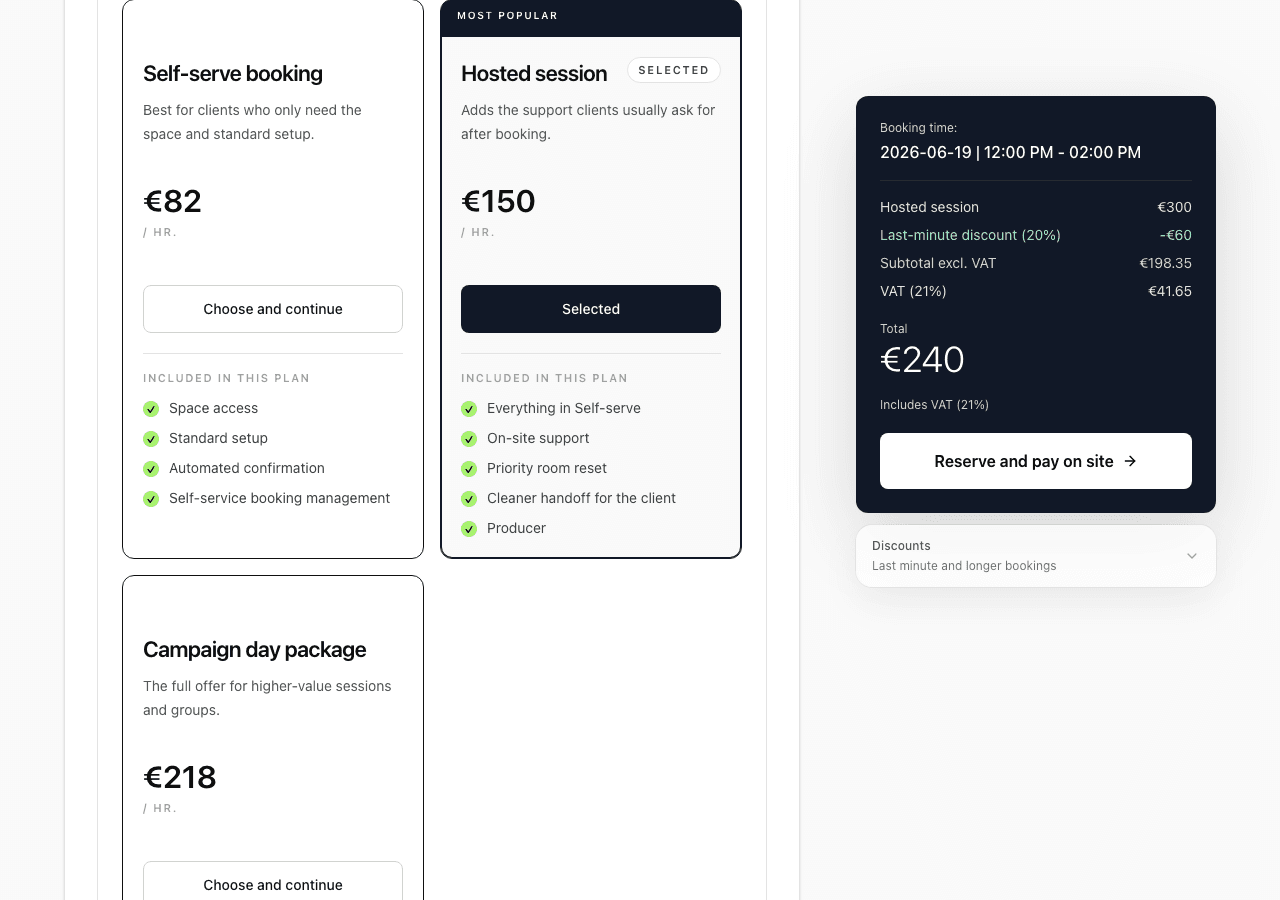
Photo studio workflow
Let clients build the shoot before checkout
Room time is only one part of the sale; lighting, backdrops, and setup matter too.
Choose the room and duration
Add lights, backdrop, or assistant setup
Review the complete price and pay
The complete order is captured before the studio confirms it.
Video production workflow
Keep rooms, crew, gear, and payment in one production order
A production booking needs more than an appointment slot.
Reserve the production room
Add crew and equipment
Confirm VAT-ready totals and payment state
The operational details stay attached to the booking.
Find your fit
Start from the closest space type
Pick a similar setup, then adjust spaces, pricing, add-ons, and payment rules.
Creative studios
Rooms, gear, staff, and repeat bookings.
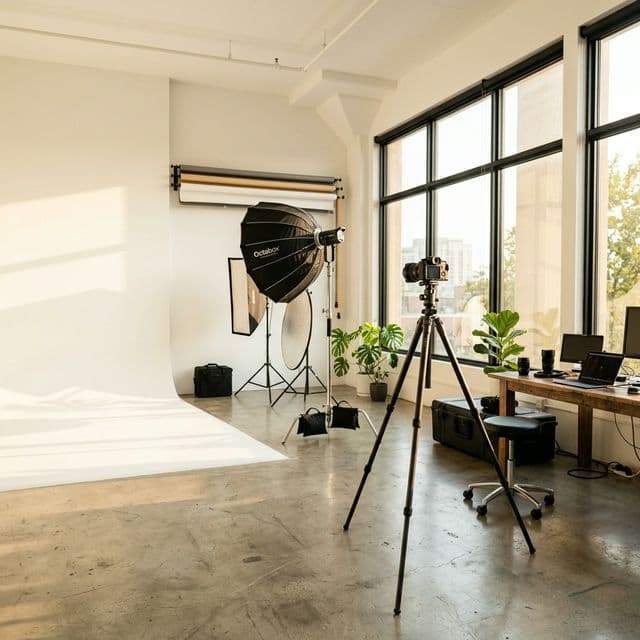 Photo StudiosDaylight lofts, cycloramas, portrait rooms, and campaign sets with add-ons in checkout.
 Video ProductionInterview rooms, green screen stages, pre-lit production spaces, and content studios.
 Podcast BoothsAudio rooms, vodcast sets, and creator studios with operators and repeat sessions.
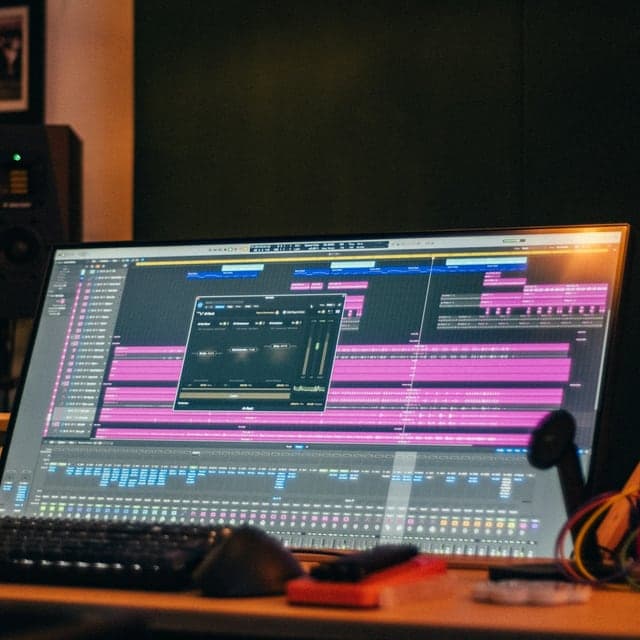 Recording StudiosMusic recording rooms, vocal booths, rehearsal recording spaces, and audio production studios.
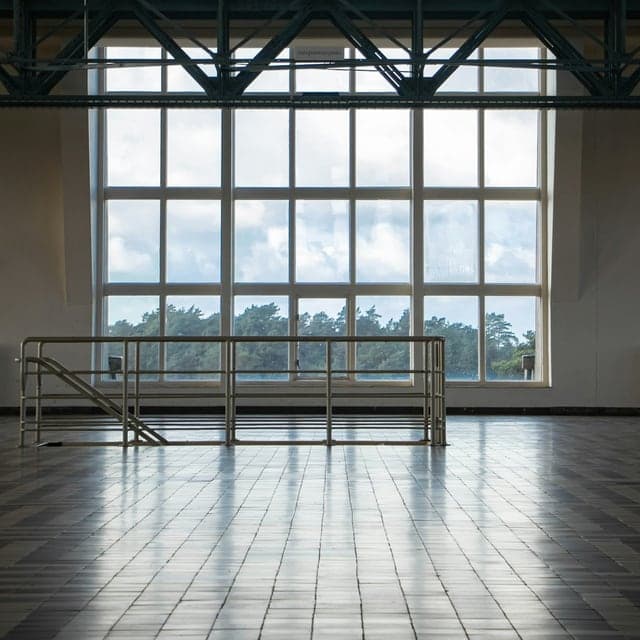 Dance StudiosRehearsal rooms, private classes, and event rentals with simple online booking.
 Workshop SpacesCreative rooms, maker spaces, training rooms, and host-led sessions with clear booking.
Events and entertainment
Groups, Offers, and timed bookings.
Wellness and private hire
Private time slots, add-ons, vouchers, and returning guests.
Start with your setup
Build the booking page your clients need
Start free, choose your space type, and adjust the booking flow from there.